SHAREGO FOR ANDROID
ShareGo for Android
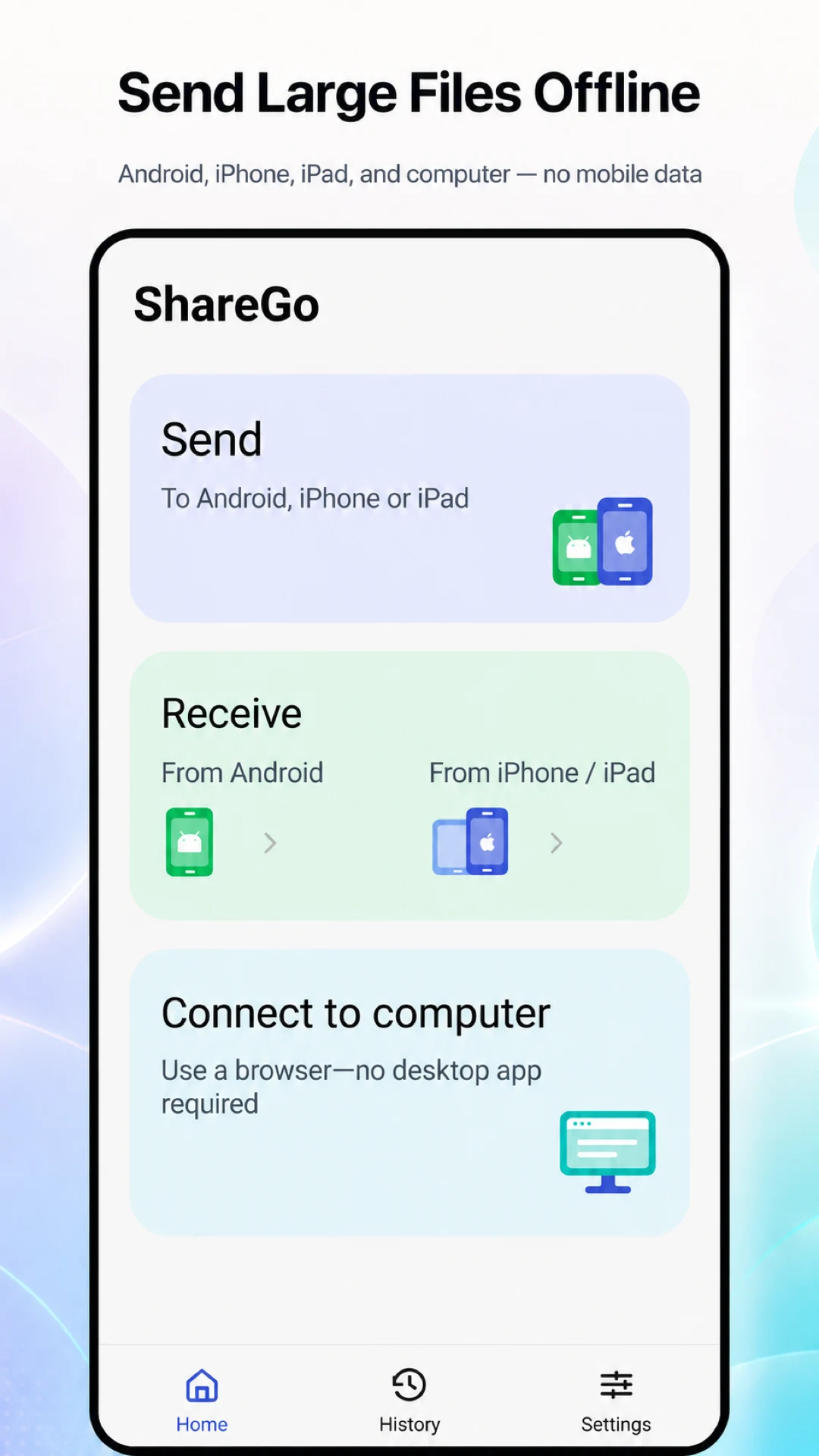
Send photos, videos, and files between Android and nearby devices. Either person can send more files after connecting.
Send and receive in the same session
Choose the action for the other phone and connect through ShareGo’s invitation flow. After connecting, either person can select and send more content in the same session.
Your content, in familiar categories.
ShareGo uses All files access on Android 11 and later to browse photos, videos, music, and files in shared storage. Send to another Android phone or use the cross-platform flow for iPhone and iPad.
Android and iPhone use different connection actions. When receiving from iPhone or iPad, choose the matching receiving option on Android.
Find received files
Review the transfer result and open received content from ShareGo’s history and file views. A saved file and a photo-library item are not always the same thing.
Connect to a computer
Choose Use the same Wi-Fi to keep your phone and computer on their existing network. Alternatively, choose Use phone hotspot and join that hotspot from the computer. Open the address shown in the app using your computer’s browser and approve the connection on your phone or tablet. No desktop app is required.
Follow the computer connection guide
Get it on Google Play