
A FIELD GUIDE TO FILE SHARING
File sharing guides for Android & iPhone.
Connect your phone to another phone or a computer, send files, or fix a transfer problem. Find the steps you need and learn how file sharing works.
Find your guide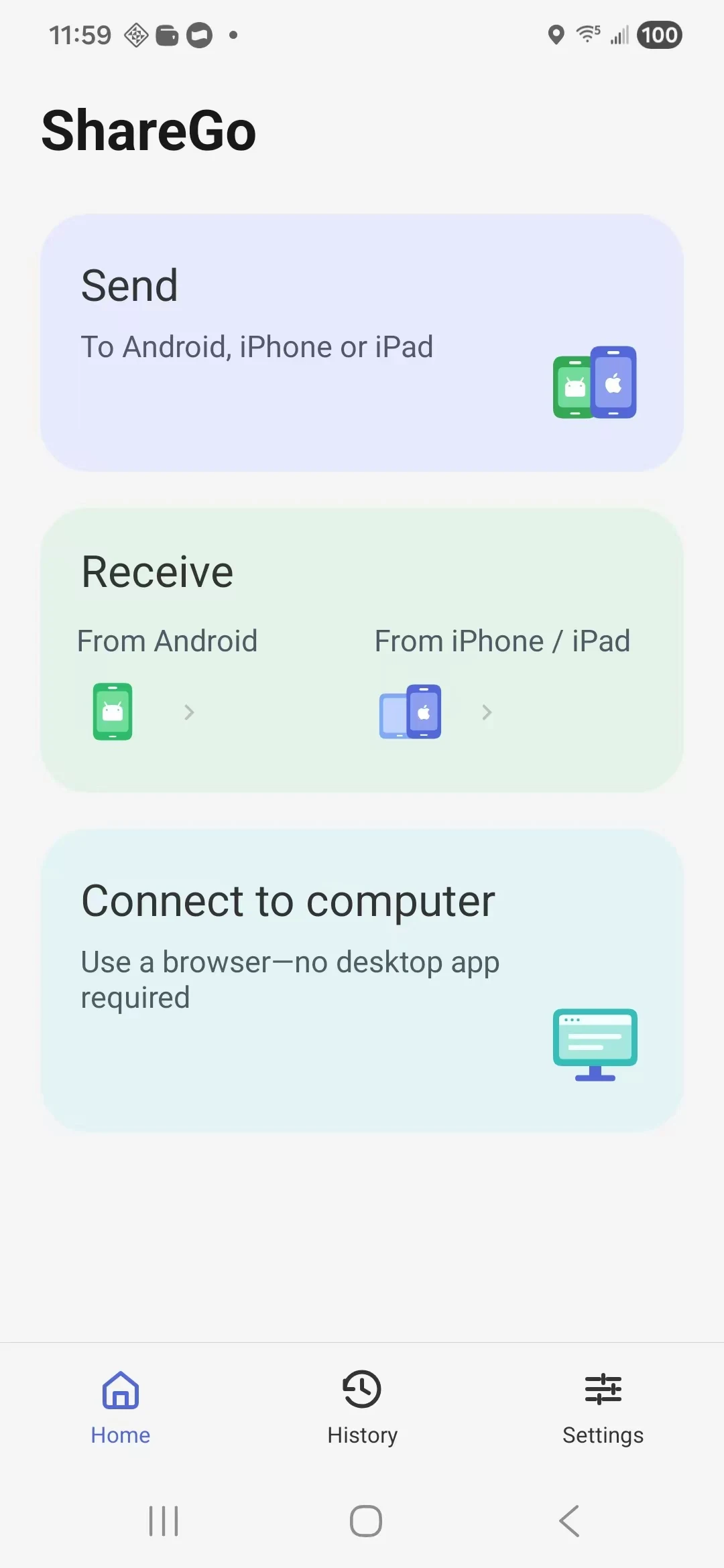
WHAT ARE YOU CONNECTING?
Start with your devices01 / THE ESSENTIALS
Start with these guides.
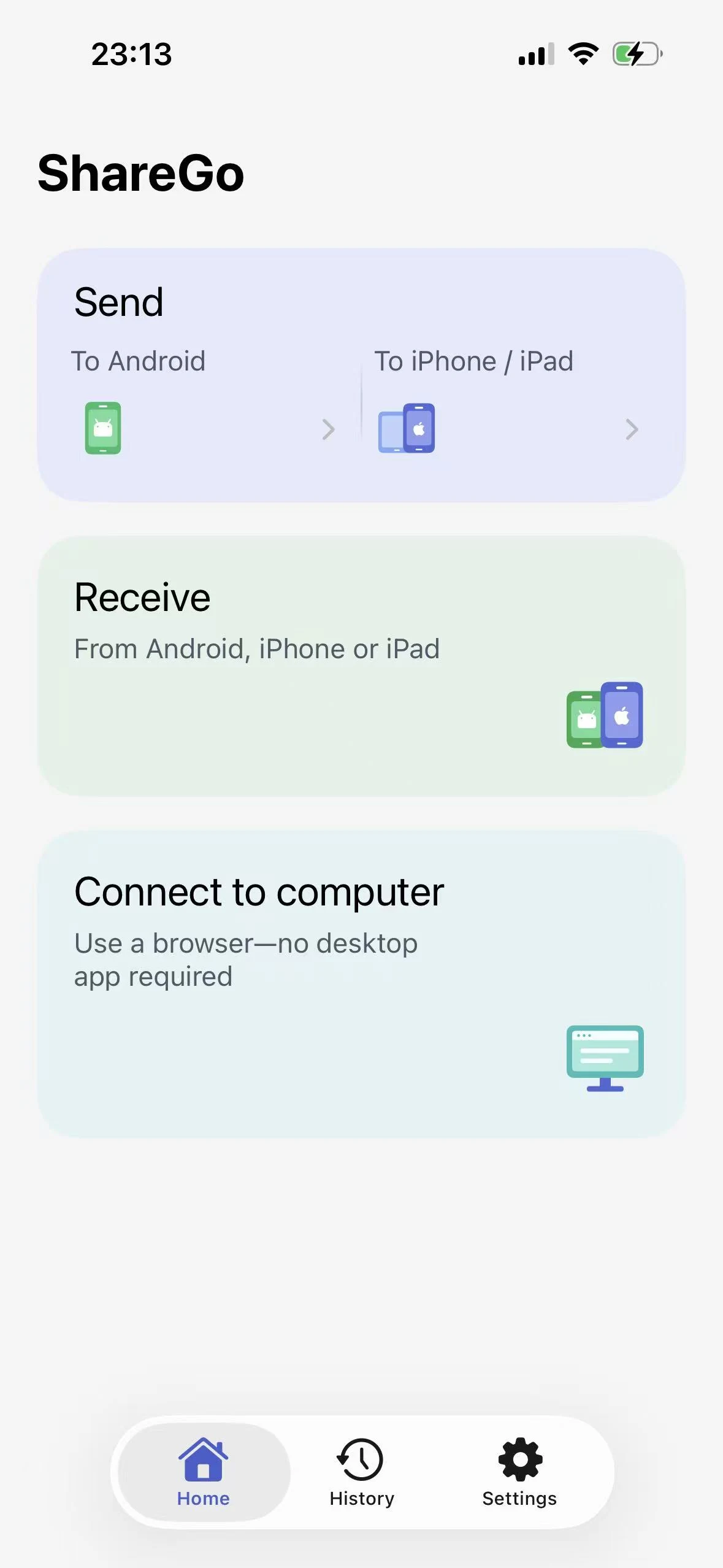
Transfer files between Android and iPhone
A practical guide to connecting Android and iPhone with ShareGo, choosing the right send and receive actions, and checking your files arrive.
Updated
How to send large videos between Android and iPhone
Send a large video between Android and iPhone with ShareGo. Follow the connection steps, check storage, and troubleshoot quality or playback issues.
Published
Where do files received with ShareGo go?
Find received files in the ShareGo folder on Android, Photos on iPhone, or app storage when a photo or video could not be added to the library.
Published
A LITTLE KNOW-HOW GOES A LONG WAY
Guides, fixes,
and explanations.
Browse transfer instructions, troubleshoot a problem, or learn how local connections work.
About these guides02 / USEFUL ANSWERS
File transfer questions, answered.
Transfer files between Android phones
Connect two Android phones with ShareGo, send your first file, and keep sharing in both directions without rebuilding the session.
Published
Transfer files between your phone and computer
Connect Android, iPhone, or iPad to a computer browser with ShareGo. Follow the Wi-Fi or Android hotspot steps to upload and download files without a desktop app.
Updated
ShareGo QR code not connecting? Start here.
Separate scanning problems from network connection problems, then check the current invitation, the correct home action, and device permissions.
Published
What to do when a ShareGo transfer stops
Check the receiving result before retrying, then work through network changes, app backgrounding, and storage conditions one step at a time.
Updated

MEET SHAREGO
The app behind
the guides.
Share photos, videos, and files between nearby phones. Connect with a code and keep sharing in both directions. To share with a computer, use Connect to computer in the app; the computer connects through its browser.
Explore ShareGo for your phone