SHAREGO FOR IPHONE & IPAD
ShareGo for iPhone & iPad
Send photos, videos, and files between iPhone & iPad and nearby devices. Either person can send more files after connecting.
Send and receive in the same session
Choose the action for the other phone and connect through ShareGo’s invitation flow. After connecting, either person can select and send more content in the same session.
Choose what you want to share.
Choose content from your photo library, supported media, and document selection. Use the iOS share sheet to bring supported content from other apps into ShareGo.
iOS controls which photos, media, and documents an app can access. ShareGo cannot read every app’s private data, and not every library item is an exportable file.
Find received files
Review the transfer result and open received content from ShareGo’s history and file views. A saved file and a photo-library item are not always the same thing.
Connect to a computer
With your iPhone or iPad and computer on the same Wi-Fi, choose Connect to computer in ShareGo. Keep both devices on that network. Open the address shown in the app using your computer’s browser and approve the connection on your phone or tablet. No desktop app is required.
Follow the computer connection guide
Download on the App Store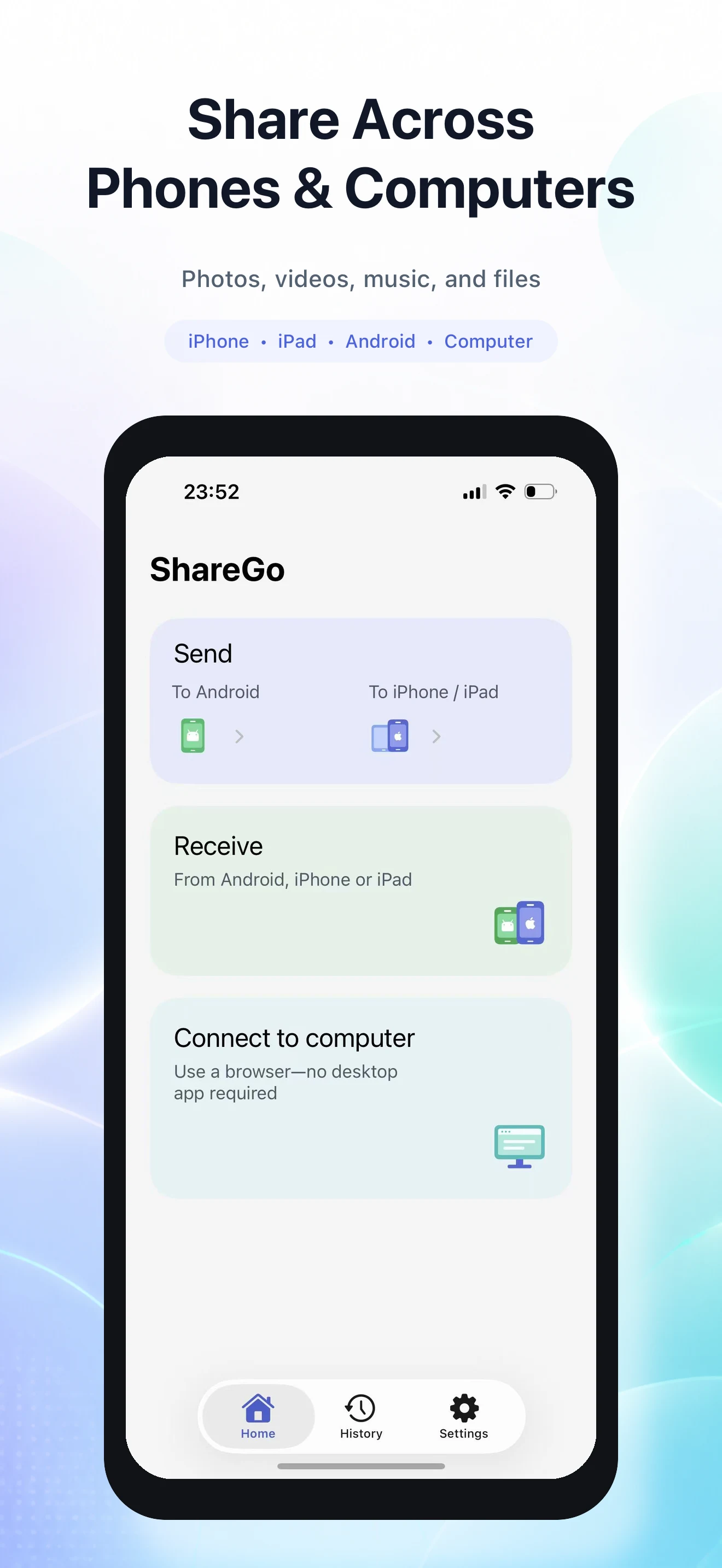
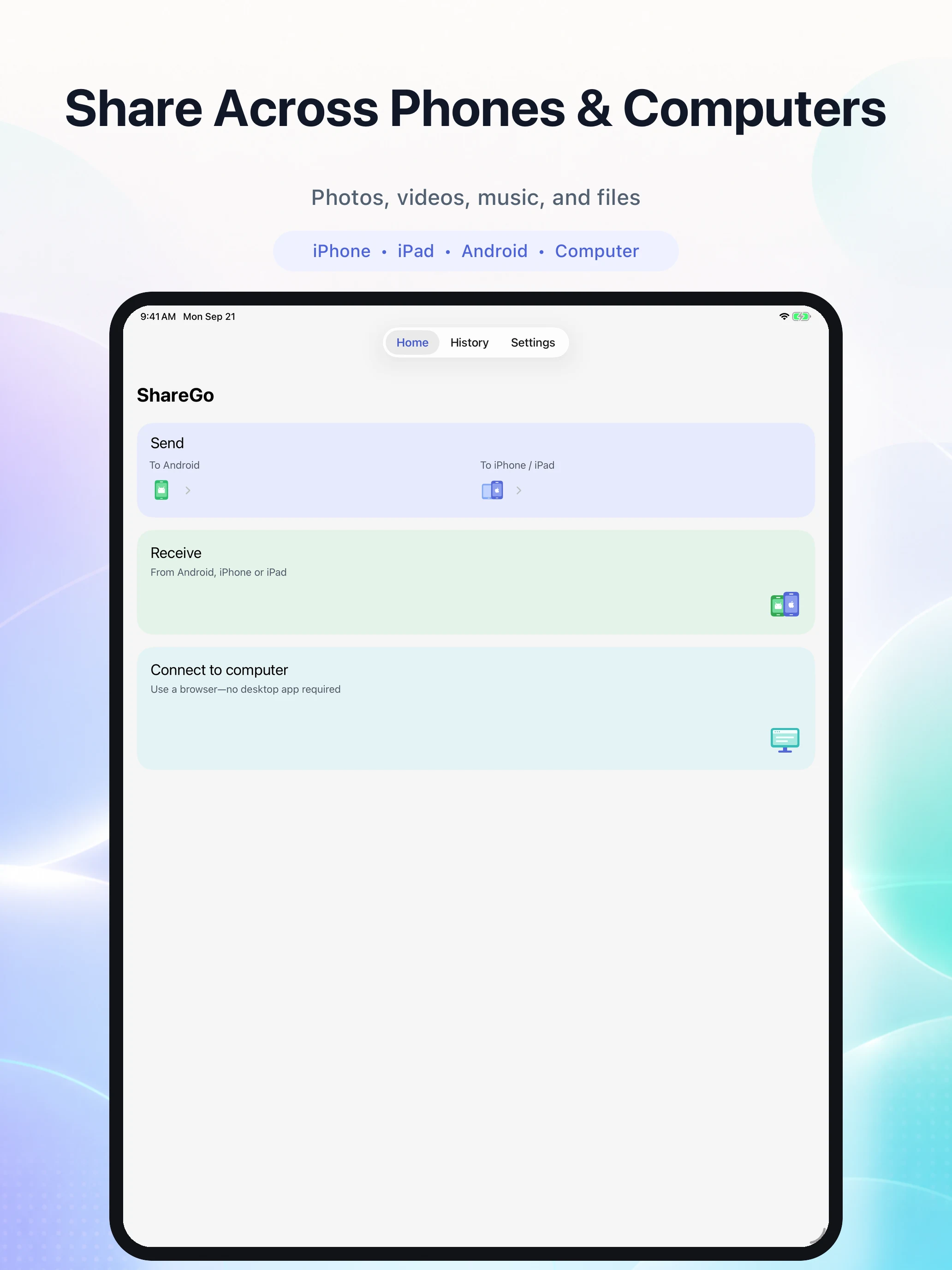
ShareGo on iPad
The iPad home screen has the same Send, Receive, and Connect to computer actions in a layout for the larger display.